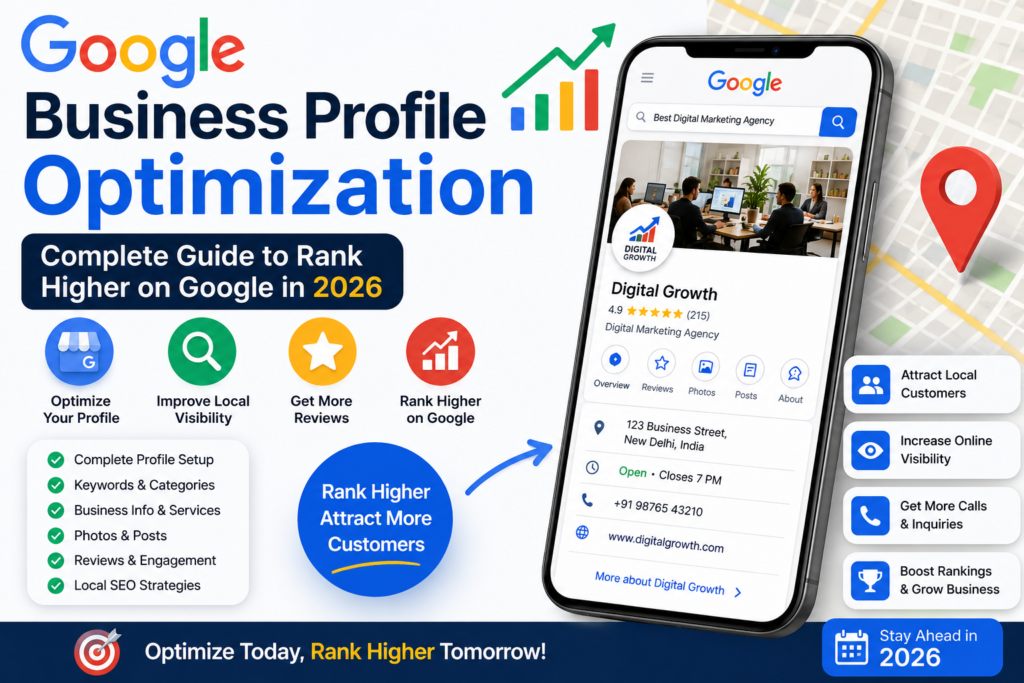

In today’s digital era, every business—whether small or large—needs strong online visibility to attract customers. One of the most powerful and free tools for local visibility is Google Business Profile (formerly Google My Business) by Google.
It helps businesses appear on Google Search and Google Maps when people search for services near them. For example, if someone searches “digital marketing agency near me” or “best salon near me,” Google shows a map with top 3 businesses. This is called the Local Pack, and it plays a major role in getting customers.
If your profile is properly optimized, you can get more calls, website visits, and store traffic without spending money on ads.
What is Google Business Profile?
Google Business Profile is a free tool that allows businesses to manage how they appear on Google Search and Maps.
With this tool, you can:
- Show business name, address, and phone number (NAP)
- Add photos and videos
- Collect customer reviews
- Share updates and offers
- Appear in local search results
It is one of the most important parts of Search Engine Optimization (SEO) because it directly impacts local ranking.
Why Google Business Profile is Important
Google Business Profile is not just a listing; it is a powerful marketing tool.
Benefits:
- Increases local visibility
- Builds trust with customers
- Drives free organic traffic
- Increases phone calls and inquiries
- Improves Google Maps ranking
Businesses with optimized profiles get significantly more engagement compared to incomplete profiles.
Step 1: Create or Claim Your Business Profile
First step is to create or claim your listing.
Steps:
- Go to Google Business Profile
- Sign in with Gmail account
- Search your business name
- If already exists, claim it
- If not, create a new listing
Important Tips:
- Use real business name only
- Avoid keyword stuffing in business name
- Choose correct category
Step 2: Choose Correct Business Category
Category tells Google what your business is about.
Examples:
- Digital Marketing Agency
- Restaurant
- Salon
- Coaching Center
Tips:
- Select primary category carefully
- Add secondary categories if needed
- Match competitor categories for better ranking
Wrong category = low visibility.
Step 3: Add Accurate NAP Details
NAP stands for:
- Name
- Address
- Phone Number
Best Practices:
- Keep details same everywhere (website, social media, directories)
- Use correct spelling
- Add correct map location pin
- Use local phone number
Consistency builds trust with Google.
Step 4: Upload High-Quality Images
Photos increase engagement and trust.
Upload:
- Business logo
- Office/shop images
- Team photos
- Interior & exterior photos
- Product/service images
Pro Tip:
Add new images weekly to show activity.
Step 5: Write a Strong Business Description
Your description should clearly explain your business.
Example:
“We are a professional digital marketing agency offering SEO, PPC, and social media marketing services. We help businesses grow online with result-driven strategies.”
Tips:
- Keep 250–750 characters
- Use natural keywords
- Avoid keyword stuffing
Step 6: Collect Customer Reviews
Reviews are one of the strongest ranking signals.
How to get reviews:
- Ask happy customers
- Share review link on WhatsApp
- Provide excellent service
- Reply to every review
Important:
- Never use fake reviews
- Always respond professionally
Reviews increase trust and conversion rate.
Step 7: Post Regular Updates
Google Business Profile allows posting updates like social media.
Types of posts:
- Offers
- New services
- Blogs
- Events
- Announcements
Frequency:
2–3 posts per week is ideal.
Step 8: Use Keywords Smartly
Keywords help Google understand your business.
Examples:
- Best SEO company in Delhi
- Digital marketing agency near me
- Local SEO services
Tips:
- Add keywords in description
- Use them in posts
- Avoid keyword stuffing
Step 9: Optimize for Google Maps
To rank in maps:
- Verify business
- Correct location pin
- Get local reviews
- Use local keywords
More engagement = higher ranking.
Step 10: Add Contact Information
Make it easy for customers to contact you:
- Phone number
- Website link
- WhatsApp (optional)
More contact options = more leads.
Step 11: Use Insights Feature
Google provides analytics called “Insights”.
You can track:
- Searches
- Calls
- Website clicks
- Direction requests
Use this data to improve performance.
Advanced SEO Tips for Faster Ranking
1. Consistency is key
Regular updates improve ranking.
2. Build citations
List your business on directories like JustDial, Sulekha, etc.
3. Local backlinks
Get links from local websites.
4. Embed map on website
Helps connect website with GBP.
5. Connect website + GBP
Strong internal linking improves SEO.
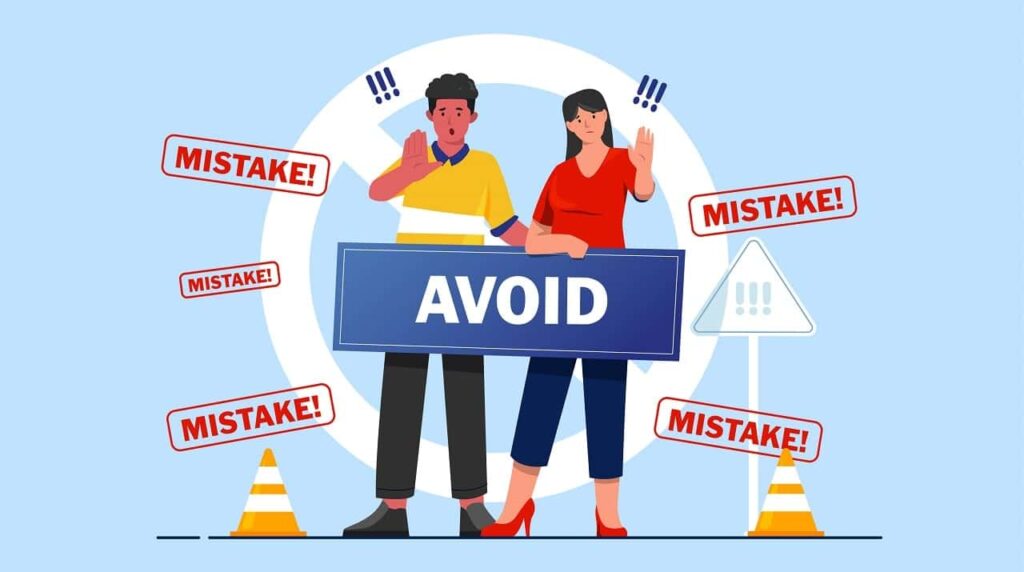
Common Mistakes to Avoid
Wrong address
Keyword stuffing
Ignoring reviews
❌ No updates
❌ Low-quality photos
These mistakes can harm ranking or even suspend your profile.
Final Conclusion
Google Business Profile is one of the most powerful free tools for local business growth. When optimized correctly, it can bring continuous traffic, leads, and real customers without spending money on ads.
It plays a very important role in Search Engine Optimization, especially for local SEO success.
However, simply creating a profile is not enough. You must continuously optimize it by adding posts, updating information, collecting reviews, and maintaining consistency.
In today’s competitive digital world, businesses that actively manage their Google Business Profile always stay ahead of competitors.
1. What is Google Business Profile Optimization?
Google Business Profile Optimization is the process of improving your Google Business Profile with accurate information, photos, reviews, keywords, and regular updates to increase local search visibility.
2. Why is Google Business Profile important for local SEO?
A well-optimized profile helps your business appear in Google Search and Google Maps, attracting more local customers and improving online visibility.
3. How can I rank higher on Google Maps in 2026?
To rank higher, keep your business information updated, collect genuine customer reviews, add high-quality photos, post regularly, and choose the correct business categories.
4. How often should I update my Google Business Profile?
You should update your profile regularly by posting offers, events, business updates, new photos, and responding to customer reviews.
5. Do customer reviews affect local rankings?
Yes. Positive reviews, review quantity, and timely responses can improve trust, engagement, and local search rankings.
6. What information should be included in a Google Business Profile?
Include your business name, address, phone number, website, business hours, services, products, photos, and business description.
7. Can adding photos improve my Google Business Profile performance?
Yes. High-quality photos increase customer engagement, build trust, and can improve profile visibility in local search results.
8. How long does it take to see results from Google Business Profile Optimization?
Results vary, but many businesses start seeing improvements in visibility, calls, website visits, and customer inquiries within a few weeks to a few months.
9. Are Google Business Profile posts important?
Yes. Regular posts keep your profile active and provide customers with updates about promotions, events, products, and services.
10. Is Google Business Profile free to use?
Yes. Google Business Profile is completely free and provides businesses with a powerful tool to manage their online presence and attract local customers.